

How Can We Help?
-
Getting Started
-
Managing Users and Notifications
-
Configuring Email Settings
-
Configuring Lead Capturing and Tracking
-
Configuring Lead Management
-
Configuring Lead Engagement with Workflows
-
Daily Management of Leads and Sales Engagement
-
Using LeadCenter.AI for Marketing
-
Building Forms
-
Getting Started
- Introduction to LeadCenter.ai Website Builder
- Domain Setup and DNS Records for your Website
- Website Themes: How to change your website template
- Customizing Website Header and Footer
- Website Pages: Adding and Deleting Pages to Your Website
- Menus: Adding, Deleting, and Organizing Menu Items in your Website
- Blog List: Manage Blog and Articles in Website
- Creating Landing Pages without Website Header and Footer
-
Page Designer Tool
-
Advanced Styling, Coloring, and Typography
-
Advanced Coding for Developers
-
Configuring Calendars and Appointments
-
Integration with Zapier to push leads to other CRM using Zapier
-
Integration with Redtail
Print
Posted
Setting Up Your Account
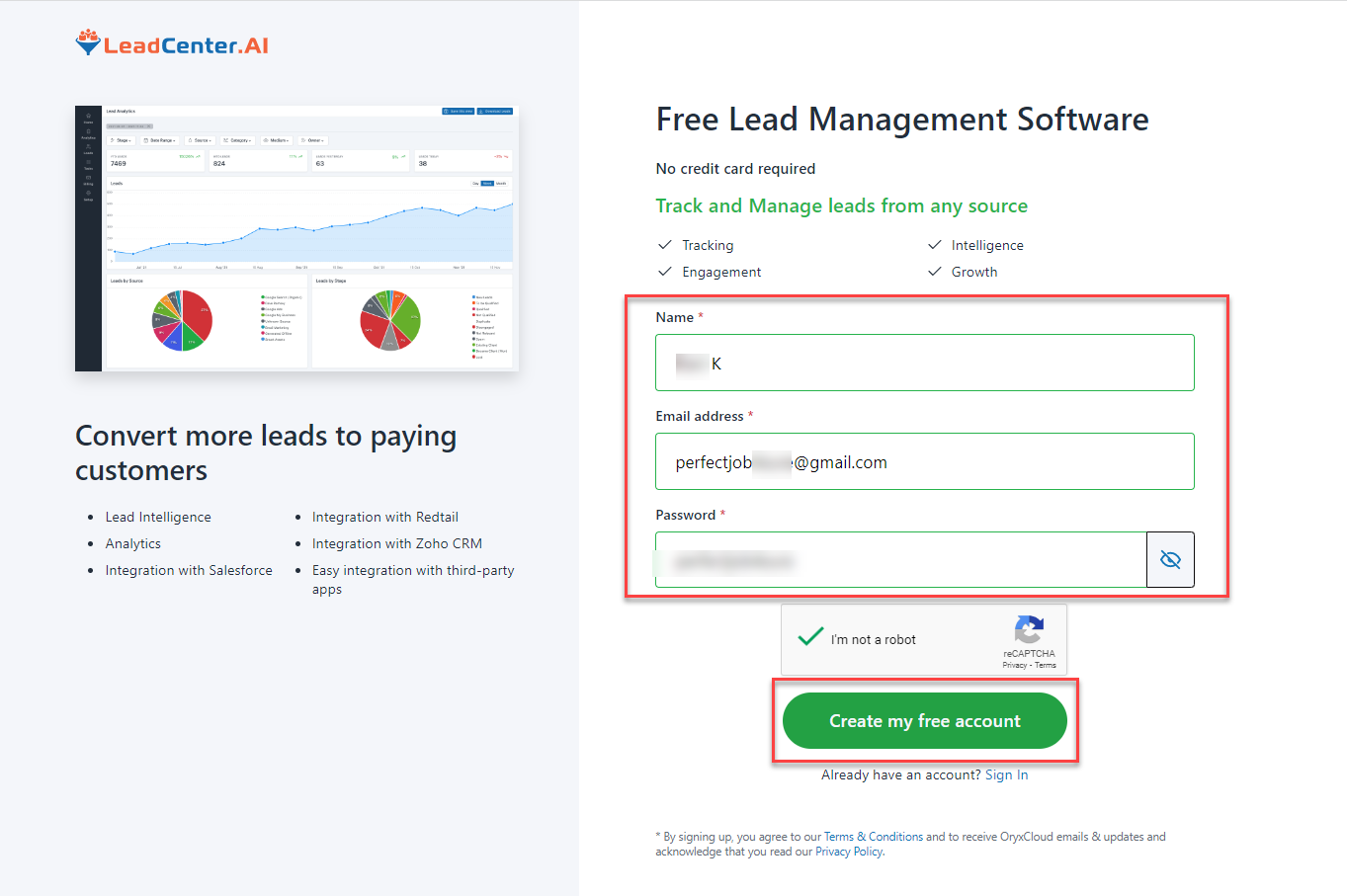
To set up an account with LeadCenter.AI, do the following;
- Go to the registration page https://app.leadcenter.ai/register
- Register your account by entering your Name, Email address, and Password.
- Click Create my Free Account.
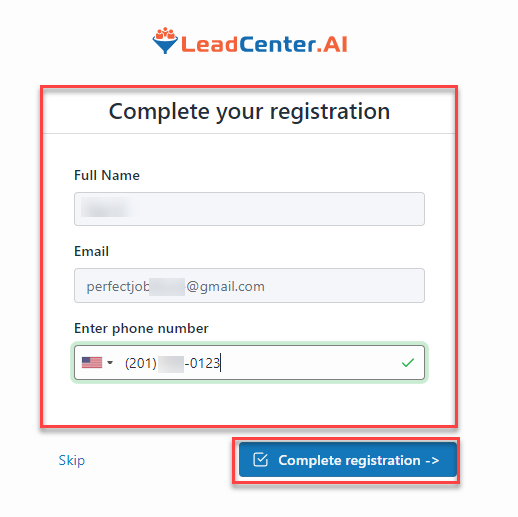
The Complete Your Registration page is displayed. - Confirm the information and click on the Complete Registration button.
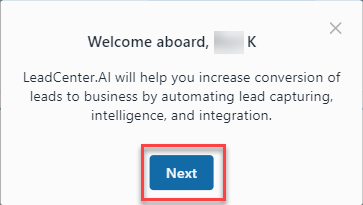
The Welcome Aboard…! page is displayed. - Click on Next to get a walkthrough of the LeadCenter.AI interface.
The Home page of LeadCenter.AI is displayed.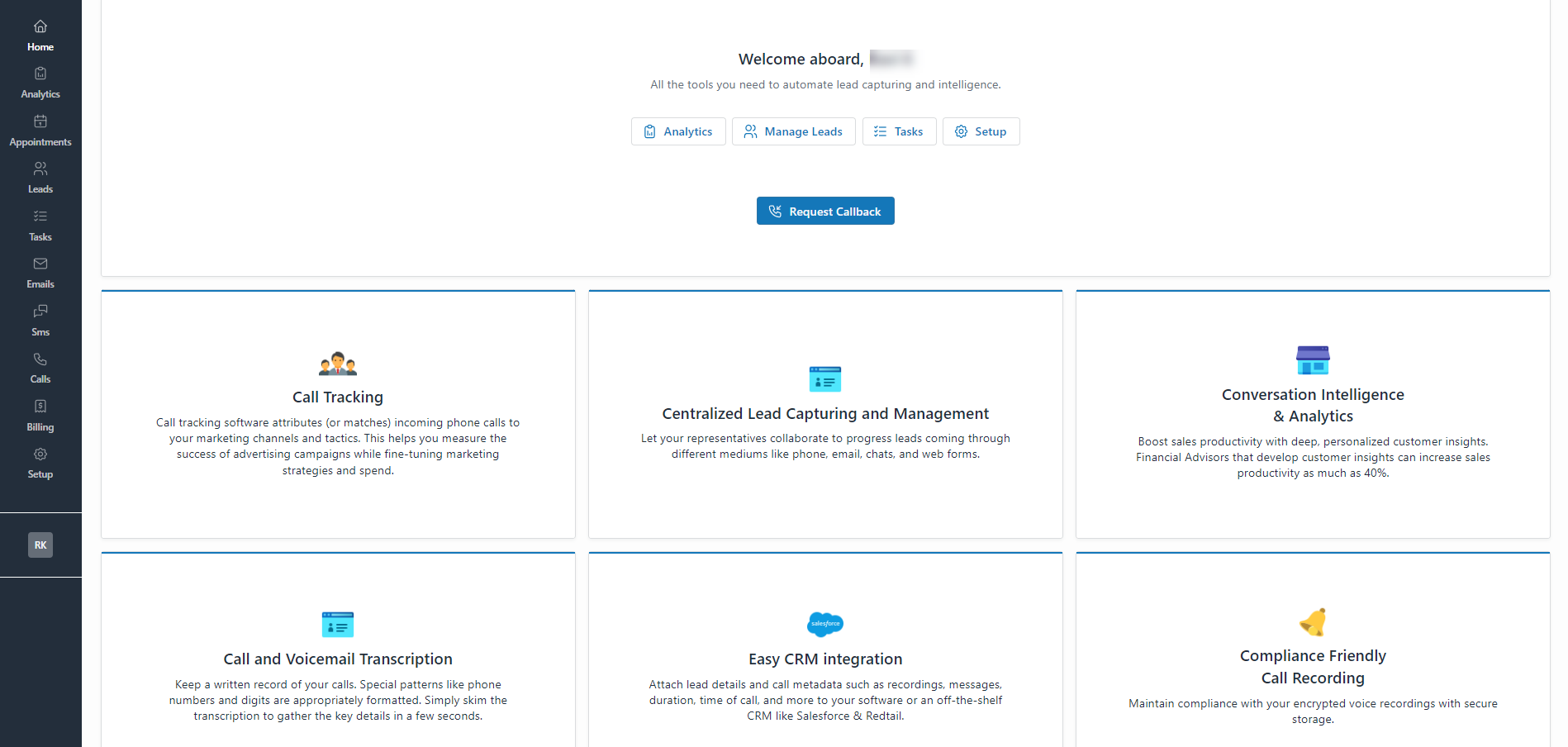
You have successfully set up your account.
Table of Contents